
New version
I have just released Spaceships version 1.5.1. This version includes major improvements to how the story is presented, new level transition animations, a new pause menu and sky changes. No gameplay changes are recommended.
Version 1.5.1 is compatible with version 1.5.0.
Story text improvements
A major focus in this version is improving how the story is presented to the user. Previously in v1.5.0 the story was given via popups before the level began, with no interesting effects. In v1.5.1 there are now two ways the story is presented: the narrative text and the commander message.
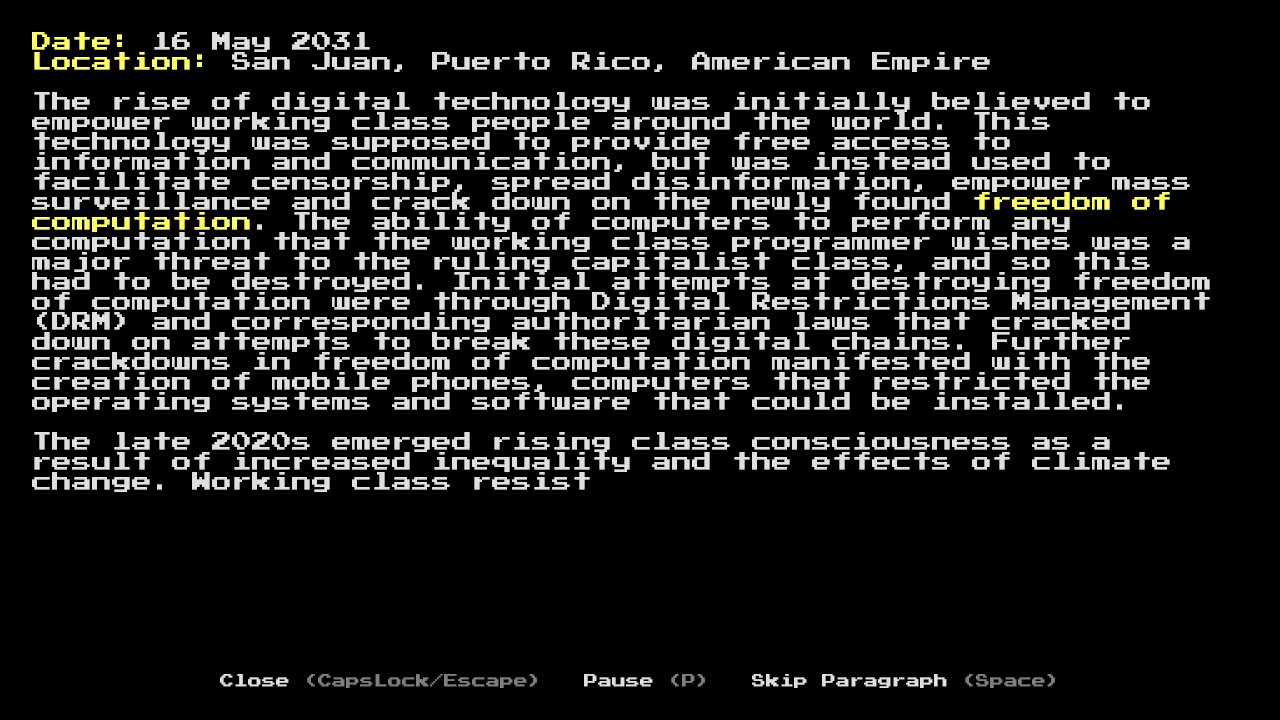
The narrative text is the first piece of text shown at the beginning of level 1 that sets the scene. This text is shown over a completely black background before the level is shown, with each character being printed out one at a time. When each character is pressed, a keyboard sound is played to resemble the text being typed out.
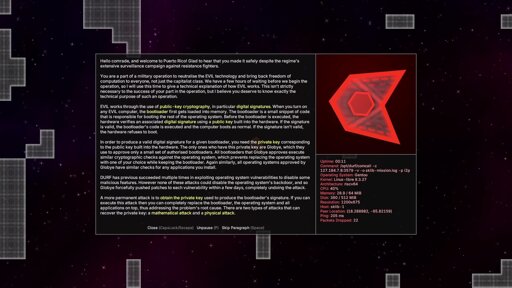
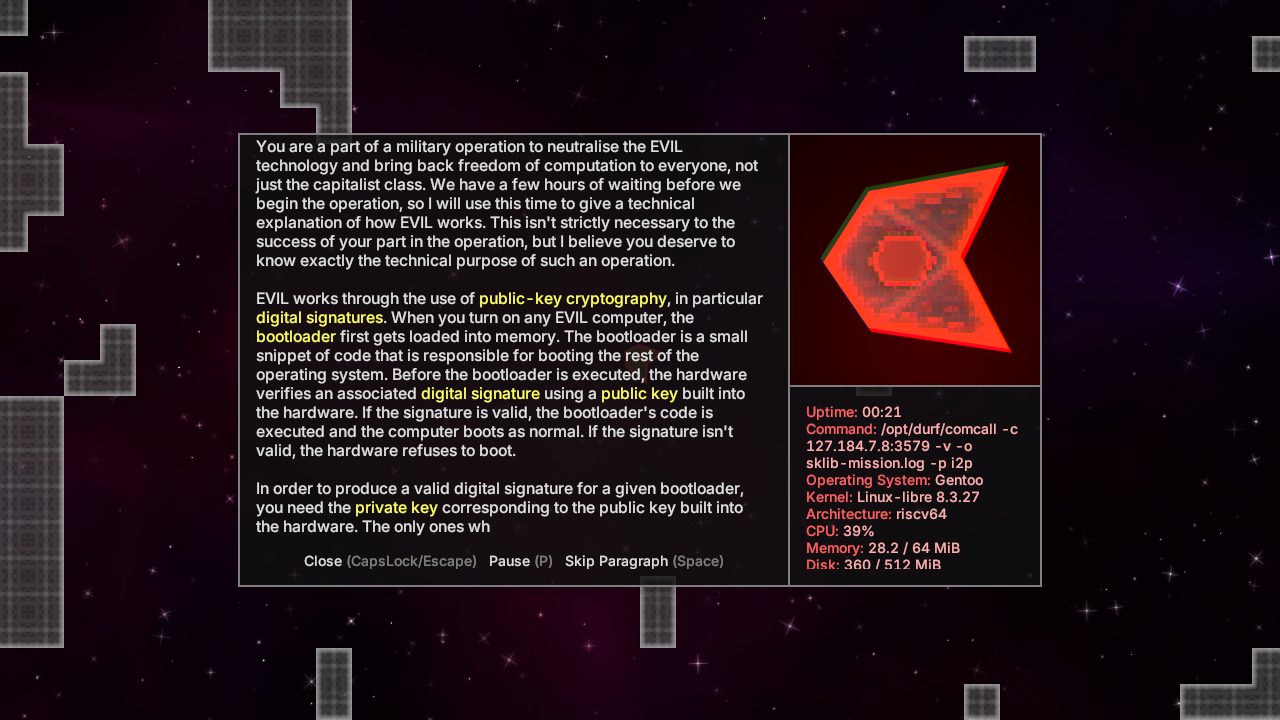
The commander message is a message communicated by your military commander detailing progress in the story, and discussing what the level includes. This text is shown in a popup window inside the level and represents a video call between you on your journey and your commander back at home. There are frequent “glitches” in the connection that are shown by the player shaking and becoming pixelated.
Screenshots
Here is a screenshot of the narrative text:
Here is a screenshot of a commander message on level 1:
Improved level animations
Previously in v1.5.0 there were no level transitions. When you started a level you were immediately presented with the story, and when you completed a level the game exited with no confirmation that the level was completed (except the level now showing up green in the GUI).
Now in v1.5.1 there is an animation for starting a level and there is an automatic transition from the end of one level to the beginning of the next level. In both level transitions a “swishing” sound is played with the camera quickly moving away towards the next level.
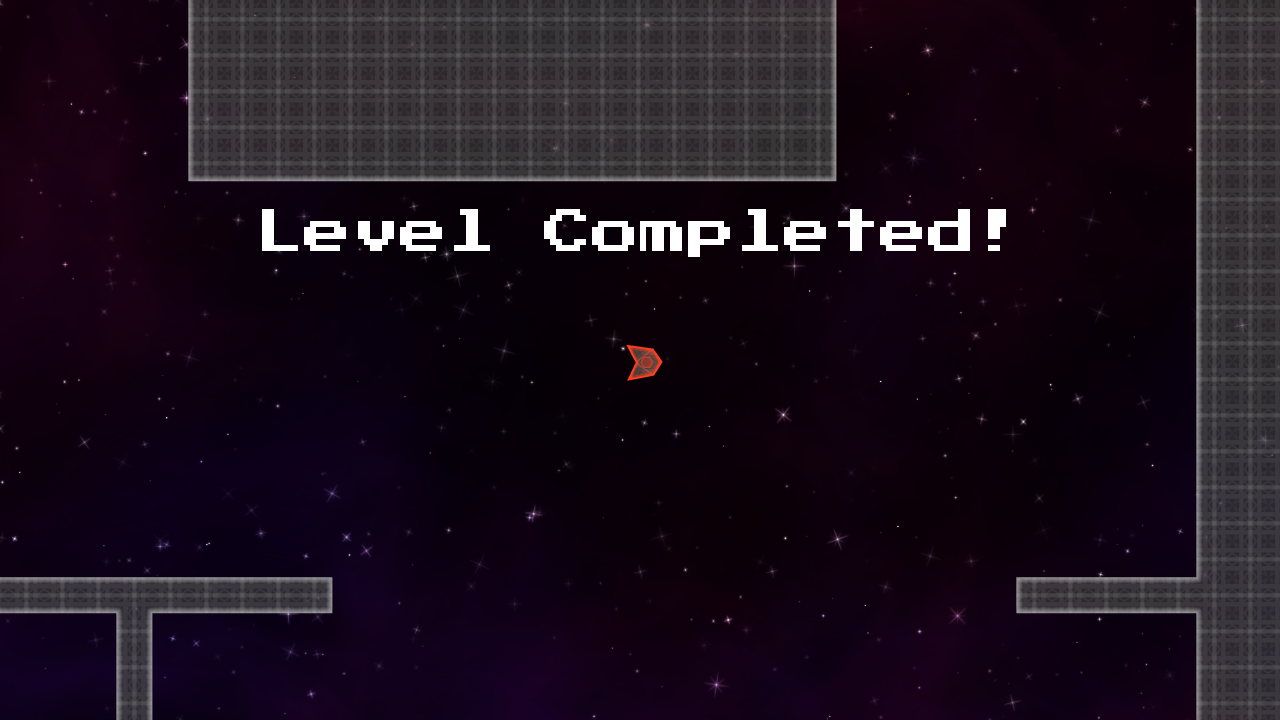
In addition, when a level is completed, a sound effect is played and text saying “Level Completed!” now shows up.
Screenshot
Here is a screenshot of the level completion screen.
Pausing
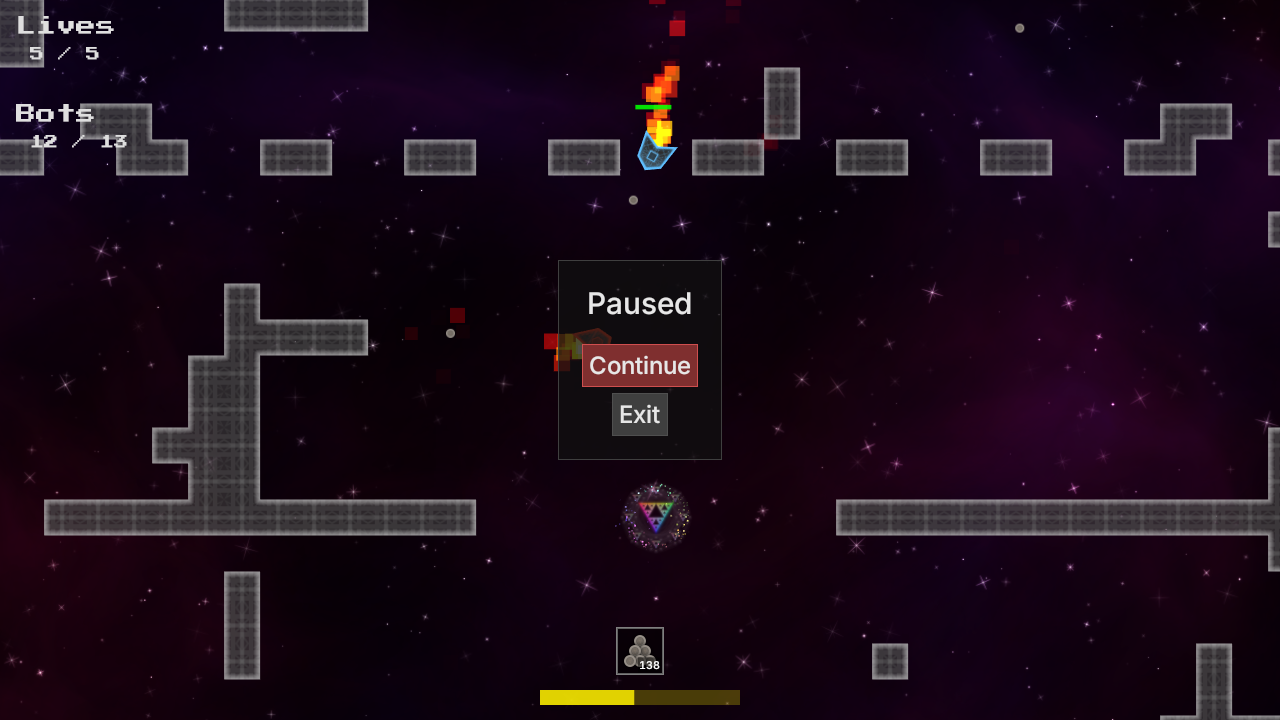
In both singleplayer and multiplayer I have improved the UX of exiting a level. Now instead of pressing escape and the level closing with no warning, a menu now shows up giving you the option to exit or continue playing.
In singleplayer the game also pauses when the menu is shown.
Screenshot
Here is a screenshot showing a level while paused.
Sky changes
Now the decorative sky background varies per-level which gives variety compared to the sky being determined by the user’s configuration in v1.5.0.
Changelog
Major changes
- Automatic level transitions rather than returning to the level selection screen.
- Improvements to how the story is presented.
- Creation of in-game menu which pauses when in singleplayer.
- Having levels determine their own sky.
Minor changes
- Preemptively loading resources in many places in the code (including textures, sounds and level configurations). This reduces the time taken to start a game.
- Moved bot player pathfinding to a separate thread, which can improve performance in some cases on low-end machines.
- Decreased the amplitude of the checkpoint sound.
- Improve camera zooming while freely spectating so that the cursor’s position is zoomed in on.
- Hiding the cursor while the chat window is open, when following another player while spectating and at the end of a level.
- Removed
StoryTextCloseandPlayingLeaveactions, they are now replaced with theLeave(formerlyGuiLeaveaction).
Bug fixes
- Removed incorrect mention in level 4 that snipers kill the player in a single hit.
- Fixed bug with some sounds (like the beep at the beginning of a game) being played with the attenuation of the player’s zoom taken into account, when it shouldn’t.
- Fixing panic when keys F1 to F9 are chosen during input binding.
- Security improvements from updated dependencies.